Advertise Your Law Practice
Put your firm in front of people searching MajorCityLaw.com for lawyers by city and practice area. Choose a Featured or Premium placement, add your details, preview the listing, and continue to checkout.
Thank You. Your Payment Was Received.
Your paid listing has been added to the selected MajorCityLaw directory page. It will still be reviewed for quality and accuracy, and we will notify you if any changes are needed.
If the listing does not appear immediately, refresh the selected directory page. It should load momentarily.
You can manage or cancel your advertising subscription anytime from the Support page by choosing Manage Billing and entering the email address used during checkout.
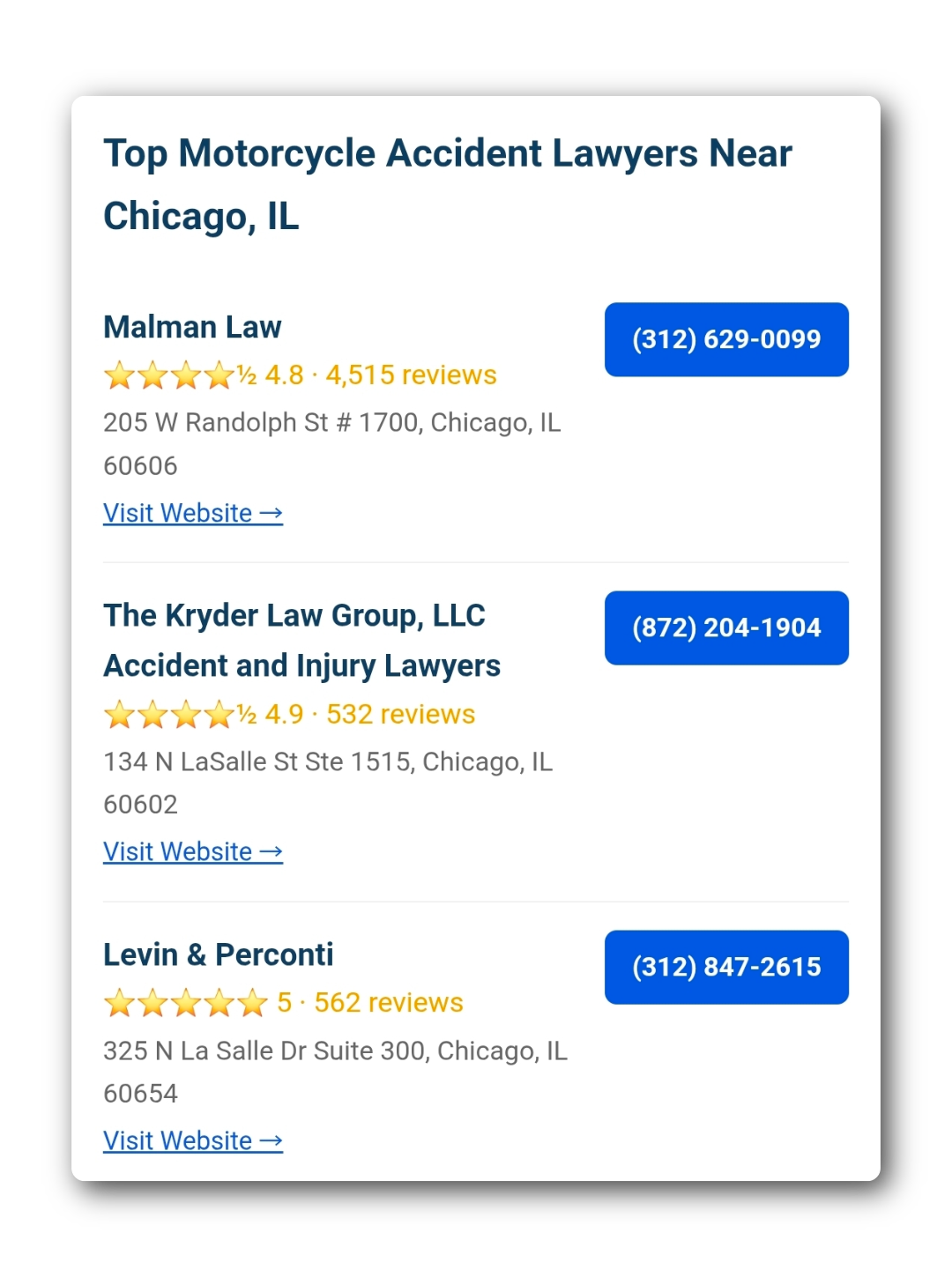
Ordinary directory listings are selected by our internal system
MajorCityLaw.com does not manually add or reorder ordinary law firm listings on request. Our unpaid directory pages are organized using internal quality, relevance, location, and practice-area signals. Law firms that want additional visibility can buy a Featured or Premium advertising placement. Paid placements post after checkout and remain subject to review, removal, and refund if the submission is fake, misleading, or not a fit for the selected page.
Build Your Placement
Pick a city, choose a primary practice area, add related practice areas, then continue to secure Stripe checkout. Paid listings post after payment and are reviewed afterward.
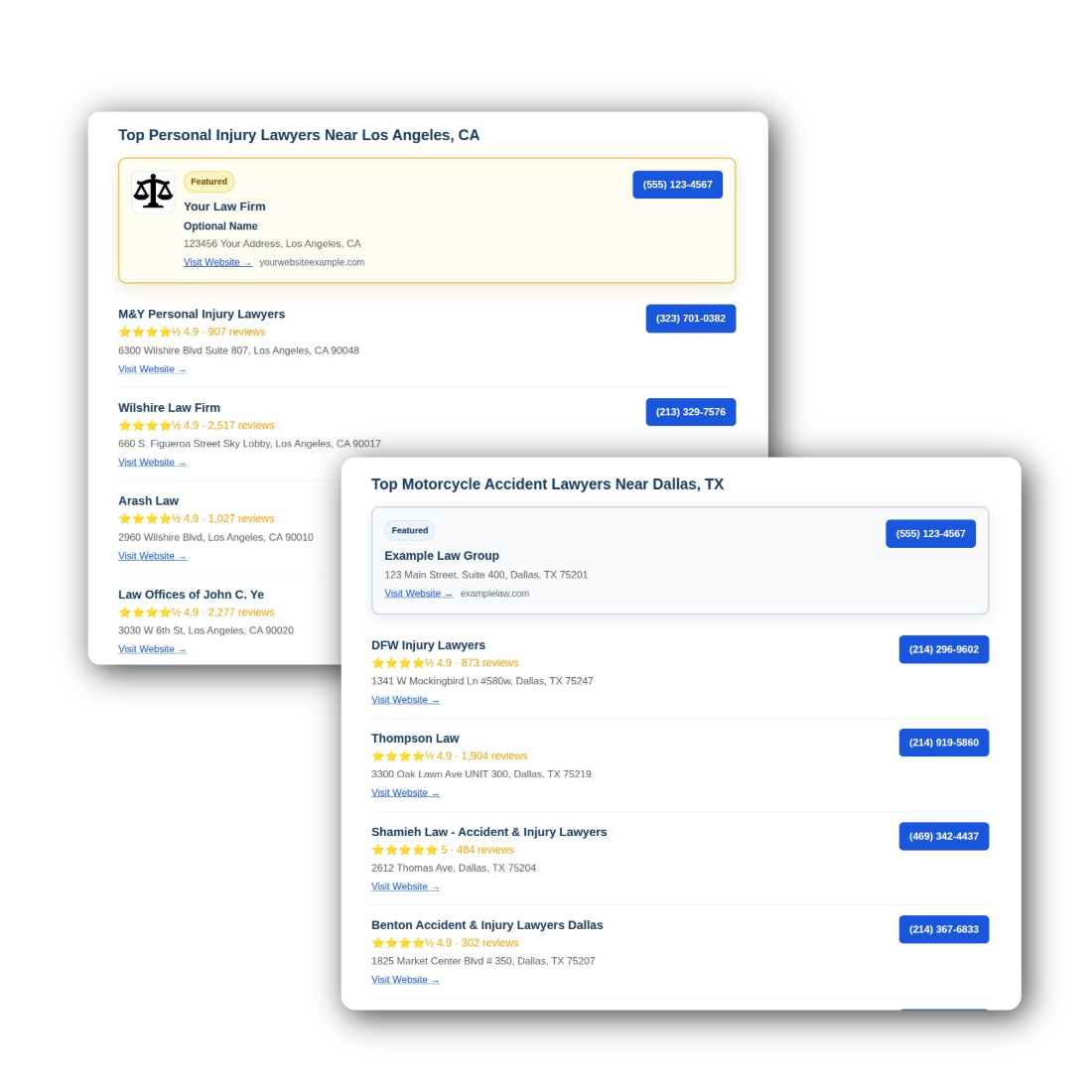
Paid placement with a Featured label, firm details, website button, and phone button. Featured ads appear below Premium ads.
Adds the gold border, optional logo block, and stronger visual priority. Premium ads appear above Featured ads.
Add related practice-area placements in the same city when they fit your firm.
Featured Example
A paid Featured placement adds visual priority, direct contact buttons, and a Featured label on the selected city/practice page.
Premium Display Example
Premium Display adds the gold border and can include a logo block for a stronger, more visible ad presentation where available.
These fields update the example paid placement instantly so you can see how the listing request would appear.
Each additional practice area in the same city adds $25/mo. Add only the extra pages where the firm wants paid visibility.
Pick the paid placement that fits the firm. The selected product updates the order summary and preview instantly.
- Featured label
- Contact buttons
- Standard highlighted placement
- Gold border
- Optional logo block
- Higher visual priority
Monthly keeps the commitment low. Annual can be offered later as a discounted option. Payment is collected in Stripe before the listing posts.
What Happens Next
Paid placements are automated after checkout, then reviewed to keep directory pages clean.
1. Request
The firm submits its city, practice area, contact details, listing style, and logo if Premium is selected.
2. Pay
The request continues to secure Stripe checkout for the selected monthly placement.
3. Post
After payment clears, the paid listing is added to the selected directory page.
4. Review
We review the live listing and may remove/refund submissions that are fake, misleading, or mismatched.